This guide shows you how to use the US and UK pay, health, and everyday calculators on WorkPayCalc. Each tool is free, works in your browser, and gives you a quick answer. Pick a tool below, enter your numbers, and click Calculate.
Contents
- Paycheck Calculator
- Retirement Calculator
- 401(k) Calculator
- FIRE Calculator
- Mortgage Payment Calculator
- Savings Goal Calculator
- Auto Loan Calculator
- Car Loan Calculator
- Tip Calculator
- TDEE Calculator
- Calorie Deficit Calculator
- Salary Calculator UK
- Take-Home Pay Calculator UK
- Sales Tax Calculator
- Tax Refund Calculator
- Percentage Increase Calculator
- Hourly to Salary Calculator
Paycheck Calculator
What it does: It works out your take-home pay from your gross monthly pay after federal tax and other deductions.
How to use:
- Enter your amount in “Gross pay ($ per month)”.
- Enter your rate in “Federal tax rate (%)”.
- Enter any other amount in “Other deductions ($ per month)”.
- Click “Calculate net pay” and read your net pay in the result box.
Example: Gross pay $6,000 per month, federal tax rate 20%, other deductions $200 gives federal tax $1,200 and net pay $4,600.
See also: Hourly to Salary Calculator guide below.

Retirement Calculator
What it does: It shows how much your retirement savings could grow by the time you retire.
How to use:
- Enter your age in “Current age”.
- Enter your planned age in “Retirement age”.
- Enter your monthly amount in “Monthly contribution ($)”.
- Enter your rate in “Expected annual return (%)”.
- Click “Calculate” and read your future value in the result box.
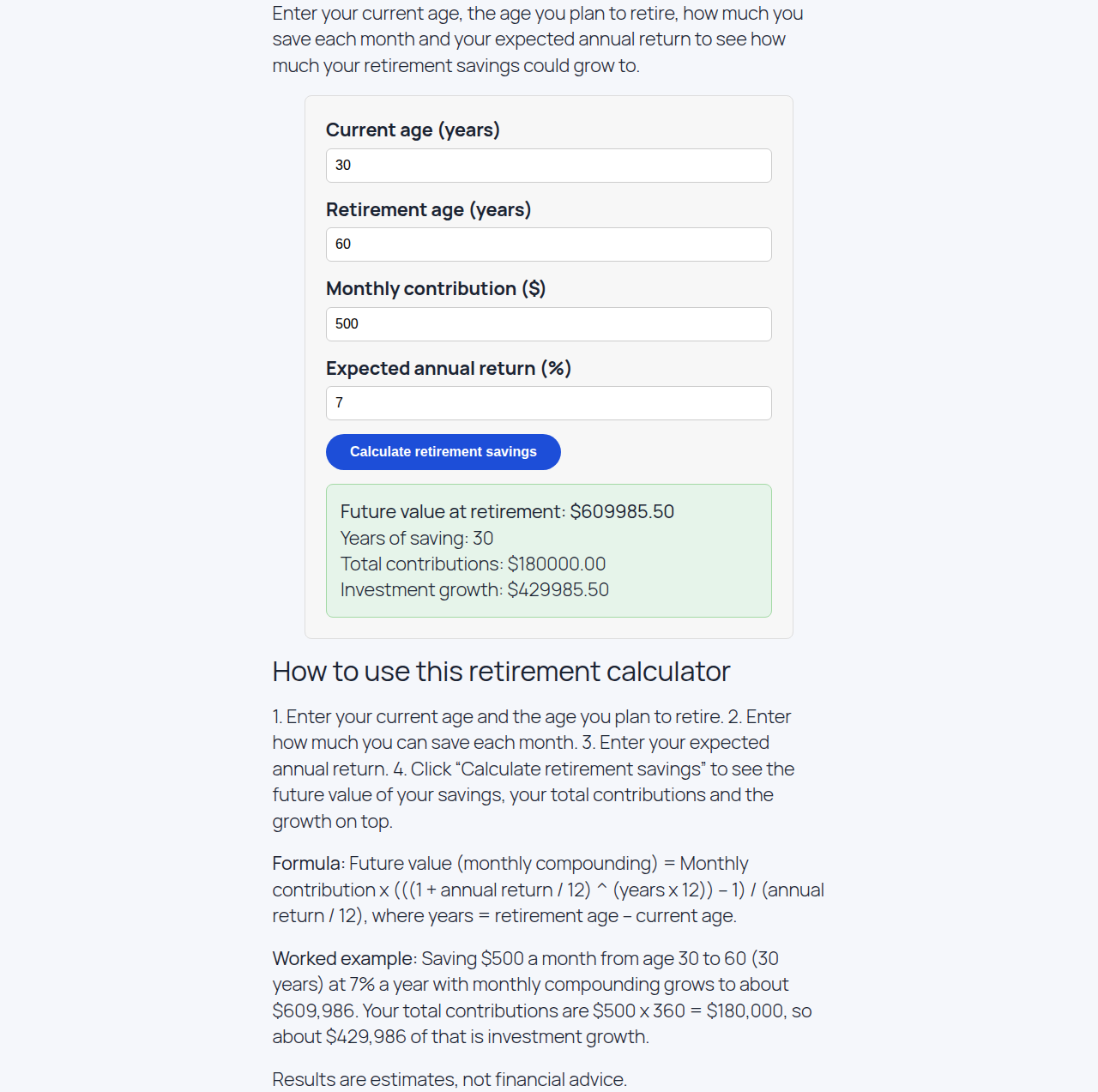
Example: Age 30, retirement age 60, monthly contribution $500, expected annual return 7% gives a future value of $609,985.50 after 30 years. Total contributions are $180,000 and growth is $429,985.50.
401(k) Calculator
What it does: It estimates how much your 401(k) could be worth at retirement, including your employer’s match.
How to use:
- Enter your balance in “Current balance ($)”.
- Enter your monthly amount in “Monthly contribution ($)”.
- Enter the match in “Employer match (%)”.
- Enter your rate in “Expected annual return (%)”.
- Enter the number of years in “Years to retirement”.
- Click “Calculate” and read your future value in the result box.
Example: Current balance $10,000, monthly contribution $500, employer match 50%, expected annual return 7%, 30 years to retirement gives a future value of $996,143.22. Total contributions are $270,000 and growth is $726,143.22.

FIRE Calculator
What it does: It works out the savings target you need for financial independence and early retirement.
How to use:
- Enter your yearly spending in “Annual expenses ($)” and select “Annual” from the period dropdown.
- Enter your savings in “Current savings ($)”.
- Enter your rate in “Expected annual growth (%)”.
- Enter the number of years in “Years to retirement”.
- Click “Calculate” and read your FIRE number in the result box.
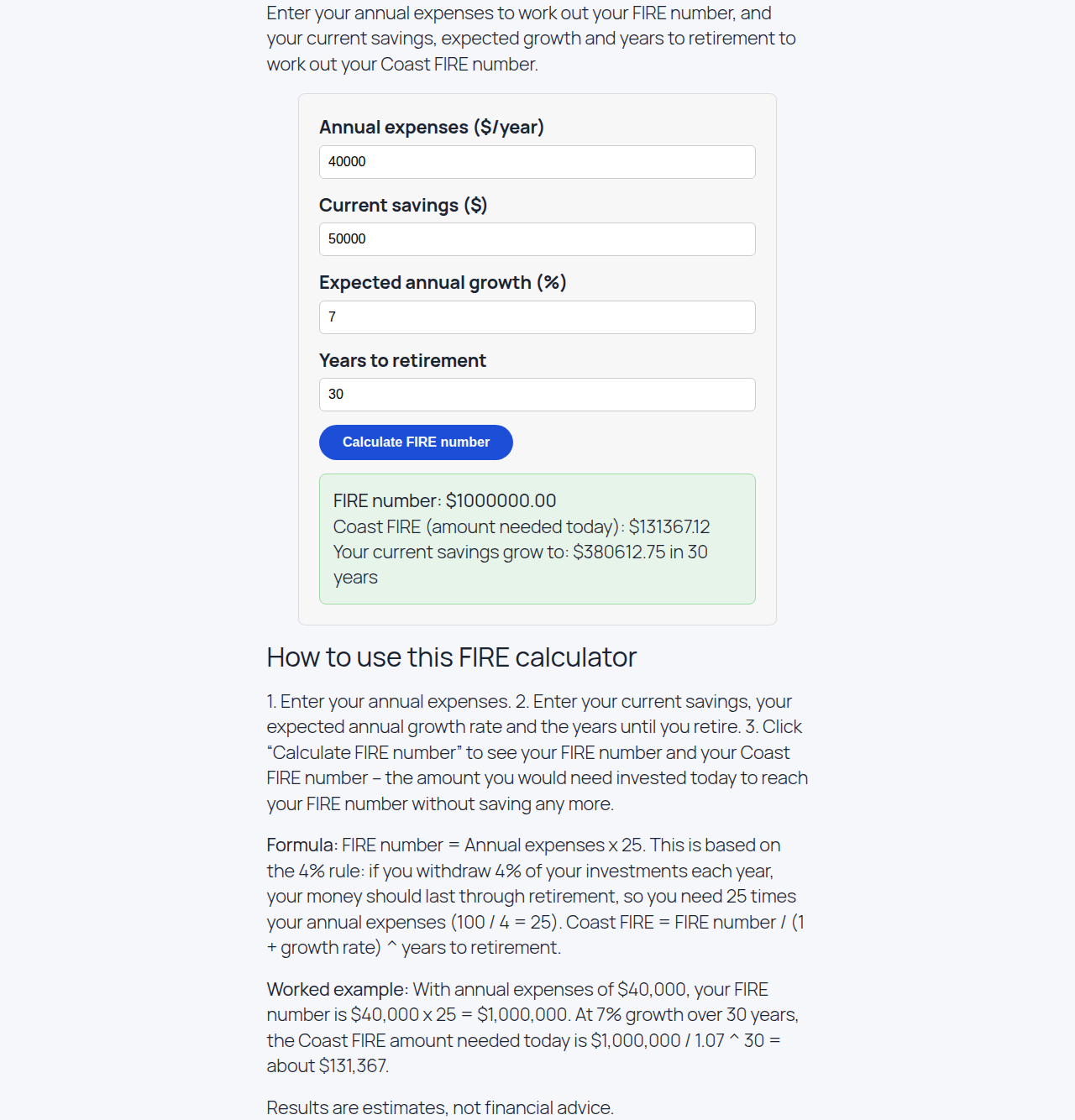
Example: Annual expenses $40,000, current savings $50,000, expected annual growth 7%, 30 years to retirement gives a FIRE number of $1,000,000 and a Coast FIRE number of $131,367.12. Your current savings grow to $380,612.75 in 30 years.
See also: Retirement Calculator guide above.
Mortgage Payment Calculator
What it does: It works out your monthly mortgage payment from your loan amount, interest rate, and loan term.
How to use:
- Enter your loan in “Loan amount ($)”.
- Enter your rate in “Interest rate (%)”.
- Enter the term in “Loan term (years)”.
- Enter yearly amounts in “Property taxes ($/year)” and “Home insurance ($/year)”, and a monthly amount in “PMI ($/month)” if you have them.
- Click “Calculate” and read your monthly payment in the result box.
Example: Loan amount $200,000, interest rate 6%, loan term 30 years, property taxes $0, home insurance $0, and PMI $0 gives a monthly payment of $1,199.10. This is the principal and interest payment.
See also: Auto Loan Calculator guide below.

Savings Goal Calculator
What it does: It works out how much you need to save each month to reach a savings goal on time.
How to use:
- Enter your target in “Savings goal ($)”.
- Enter the number of years in “Time to save (years)”.
- Enter your rate in “Expected annual return (%)”.
- Click “Calculate” and read your monthly amount in the result box.
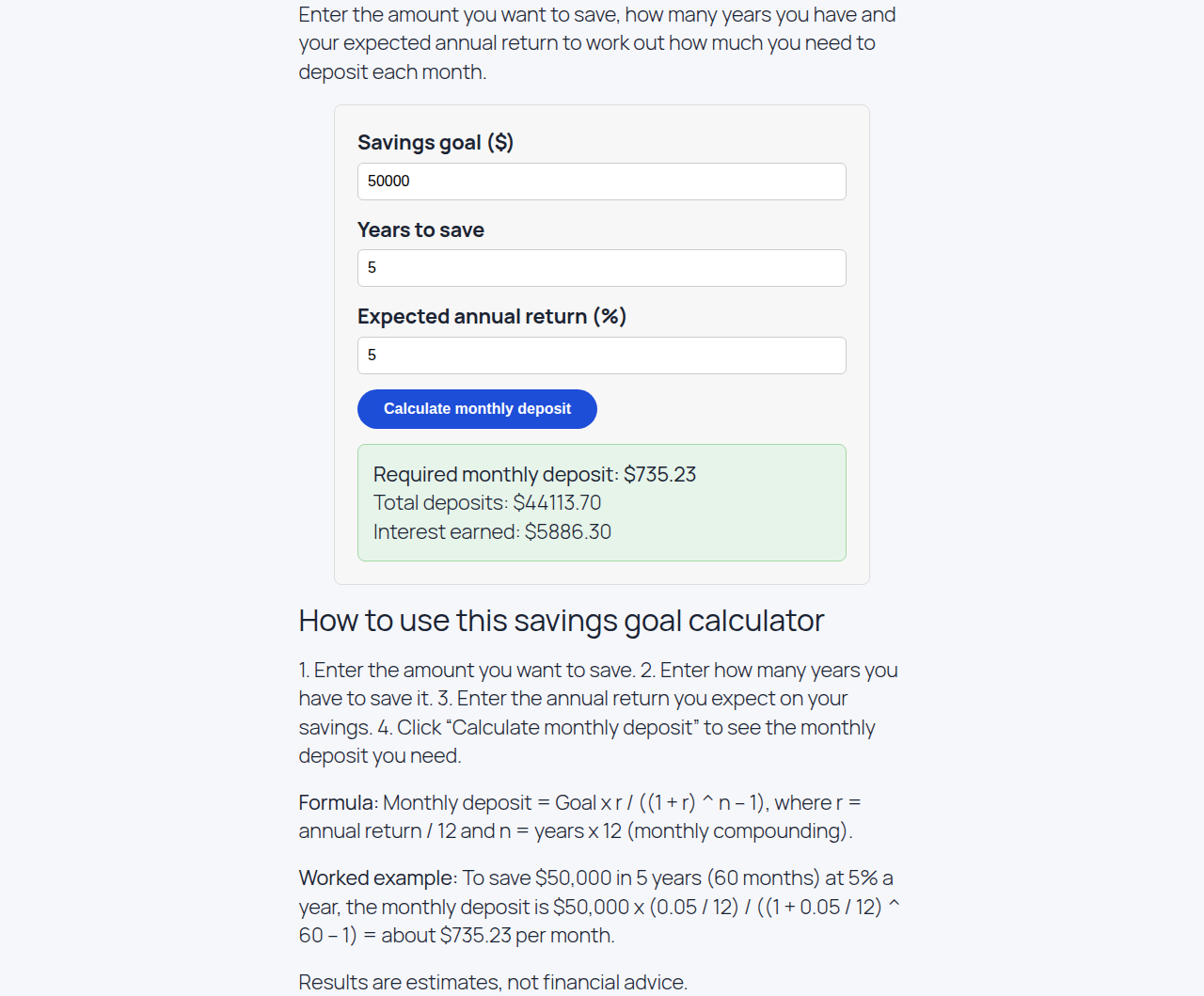
Example: Savings goal $50,000, time to save 5 years, expected annual return 5% gives a monthly amount of $735.23. Total contributions are $44,113.70 and interest earned is $5,886.30.
Auto Loan Calculator
What it does: It works out your monthly car payment and the total cost of an auto loan.
How to use:
- Enter the price in “Car price ($)”.
- Enter your payment in “Down payment ($)”.
- Enter your rate in “Interest rate (%)”.
- Enter the term in “Loan term (years)”.
- Click “Calculate” and read your monthly payment in the result box.
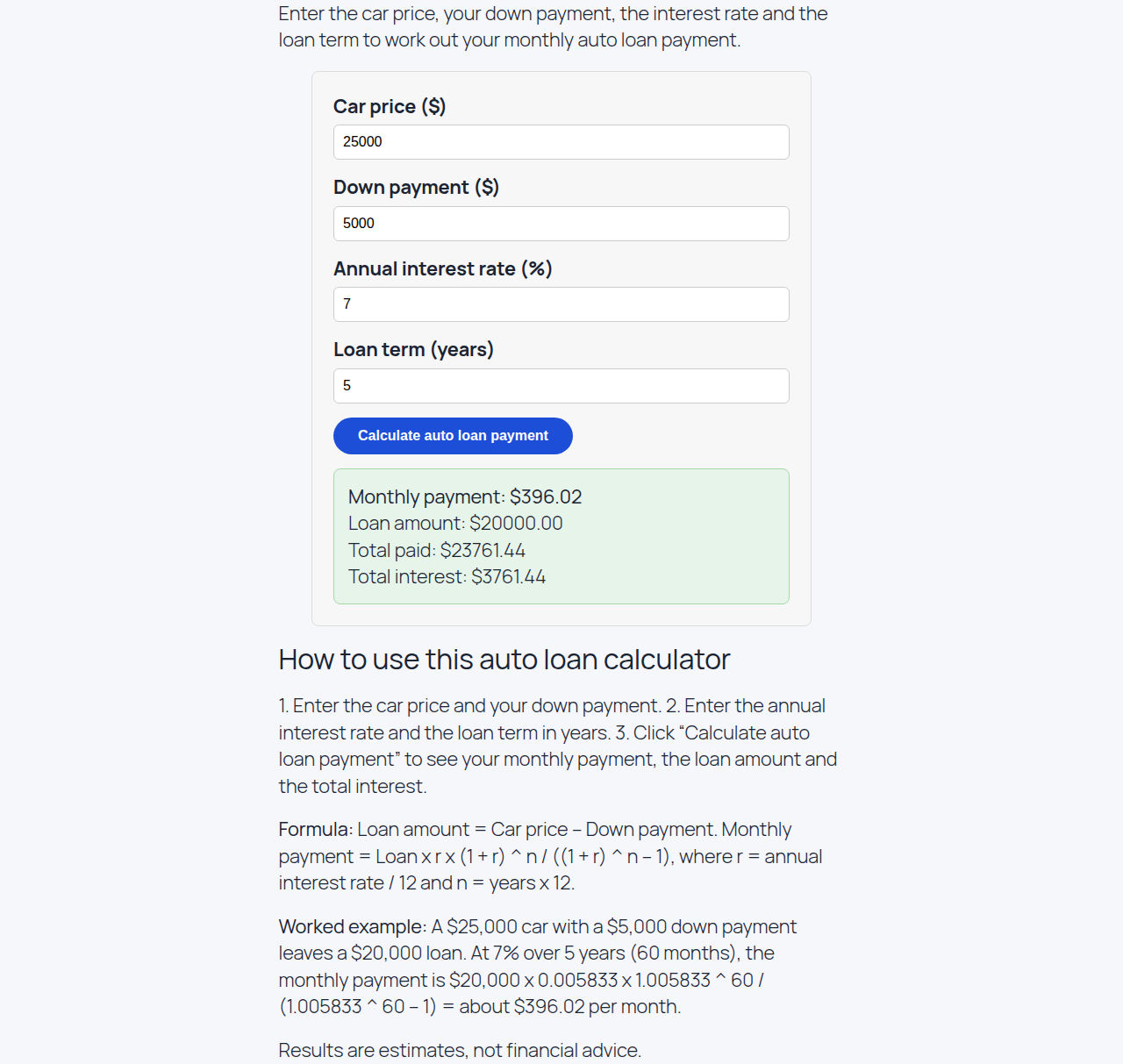
Example: Car price $25,000, down payment $5,000, interest rate 7%, loan term 5 years gives a monthly payment of $396.02. The loan amount is $20,000, the total paid is $23,761.44, and the total interest is $3,761.44.
Car Loan Calculator
What it does: It works out your monthly car loan payment and the total interest you will pay.
How to use:
- Enter your loan in “Loan amount ($)”.
- Enter your rate in “Interest rate (%)”.
- Enter the term in “Loan term (years)”.
- Click “Calculate” and read your monthly payment in the result box.
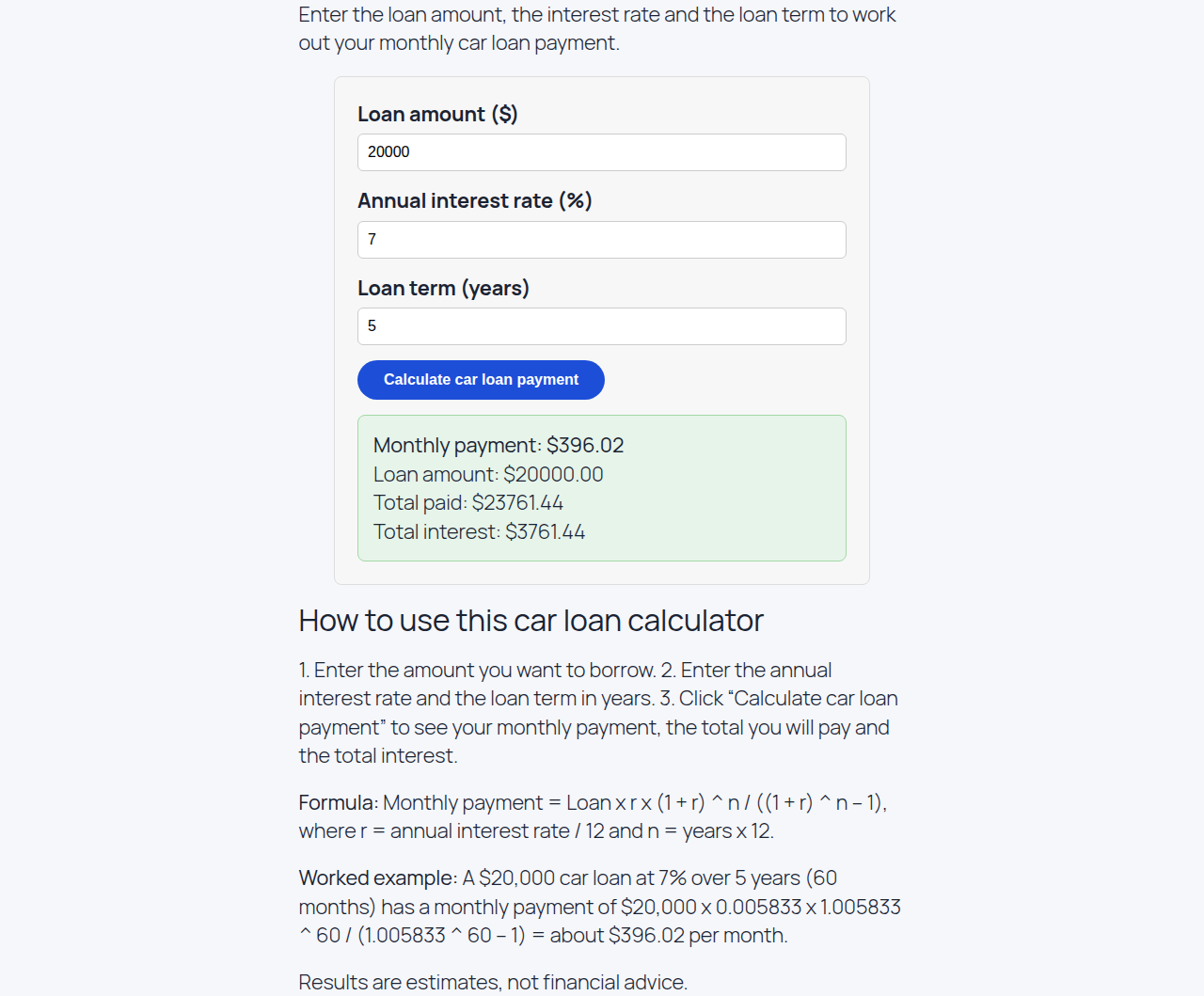
Example: Loan amount $20,000, interest rate 7%, loan term 5 years gives a monthly payment of $396.02. The total paid is $23,761.44 and the total interest is $3,761.44.
Tip Calculator
What it does: It works out the tip, the total bill, and how much each person pays.
How to use:
- Enter your bill in “Bill amount ($)”.
- Enter the tip in “Tip percentage (%)”.
- Enter the number of people in “Number of people”.
- Click “Calculate” and read the tip and total in the result box.
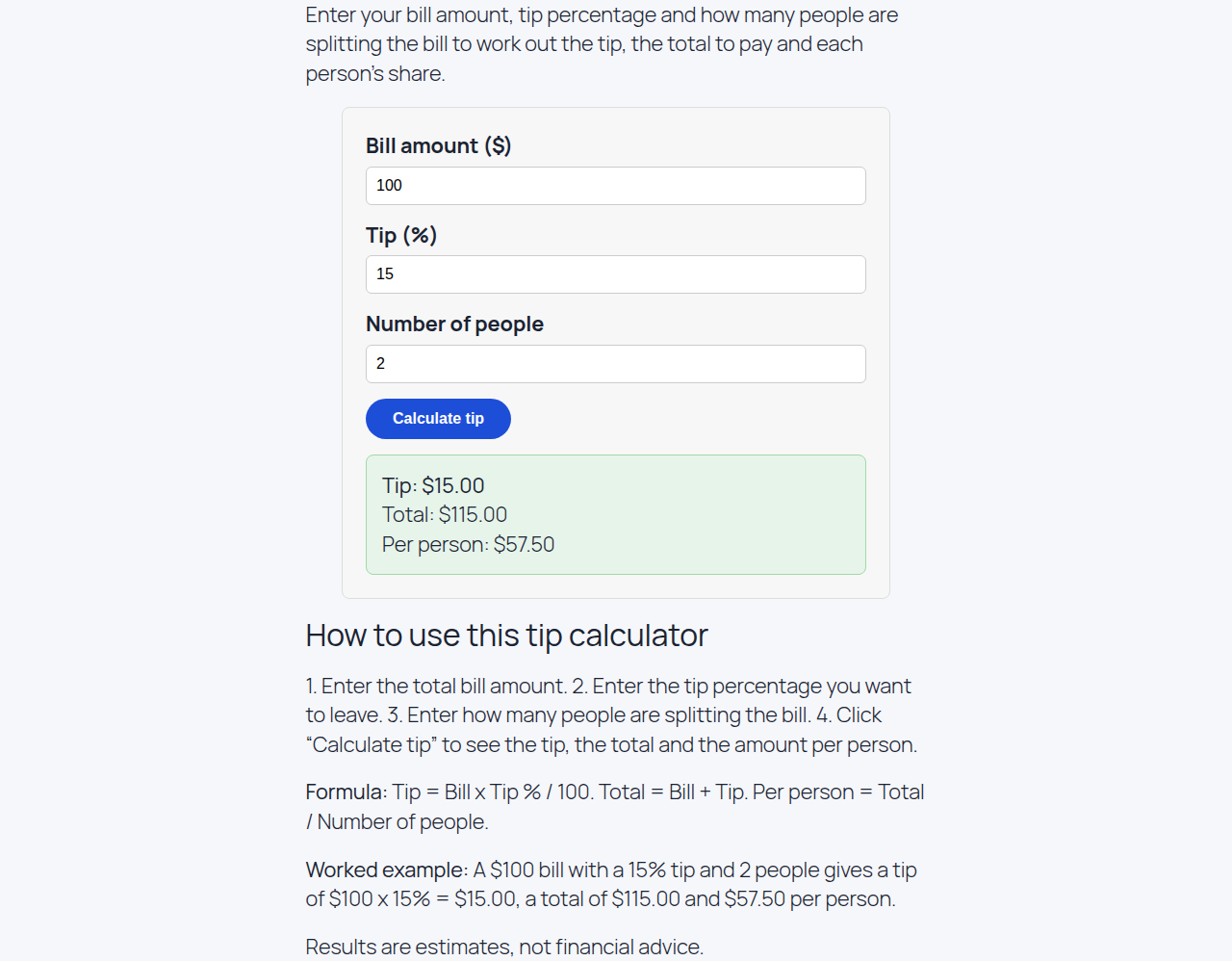
Example: Bill amount $100, tip percentage 15%, number of people 2 gives a tip of $15, a total of $115, and $57.50 per person.
TDEE Calculator
What it does: It works out how many calories you burn each day, so you can plan how much to eat.
How to use:
- Choose “Male” or “Female” in “Sex”.
- Enter your age in “Age (years)”.
- Enter your weight in “Weight (kg)”.
- Enter your height in “Height (cm)”.
- Choose your level in “Activity level”, for example “Moderately active”.
- Click “Calculate” and read your TDEE in the result box.
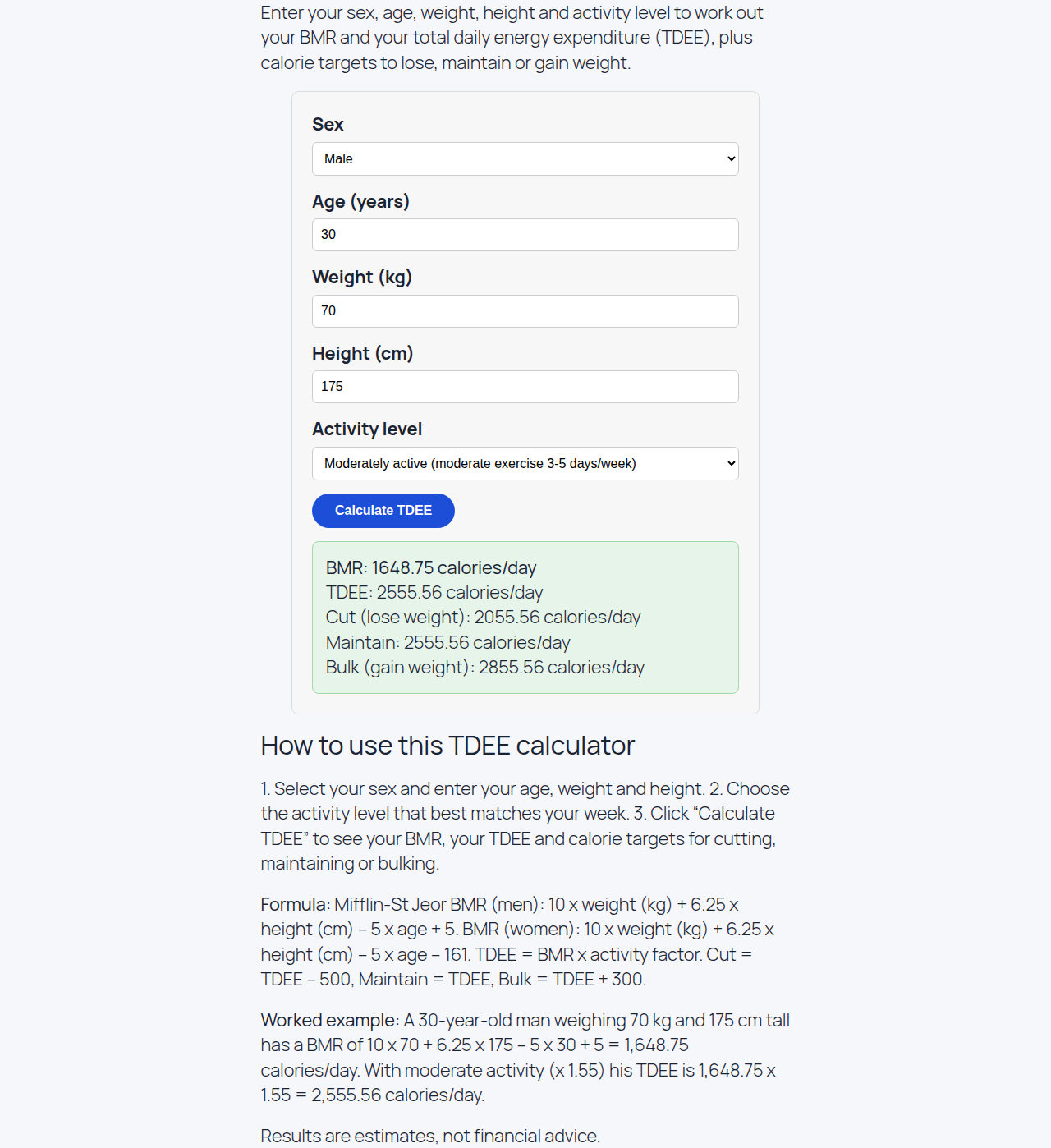
Example: Male, age 30, weight 70 kg, height 175 cm, moderately active gives a BMR of 1,648.75 calories and a TDEE of 2,555.56 calories per day. To cut weight, eat 2,055.56 calories; to maintain, eat 2,555.56; to bulk, eat 2,855.56.
See also: Calorie Deficit Calculator guide below.
Calorie Deficit Calculator
What it does: It works out how many calories to eat each day to lose weight at a safe pace.
How to use:
- Enter your daily burn in “Your TDEE (calories/day)”.
- Enter your cut in “Daily calorie deficit (calories)”.
- Click “Calculate” and read your daily target in the result box.
Example: Your TDEE 2,500 calories per day and a daily calorie deficit of 500 gives a daily target of 2,000 calories. That is a weekly deficit of 3,500 calories, or about 0.45 kg per week.

Salary Calculator UK
What it does: It works out your UK take-home pay from your gross annual salary, after income tax and National Insurance.
How to use:
- Enter your salary in “Gross annual salary (£)”.
- Click “Calculate” and read your take-home pay in the result box.
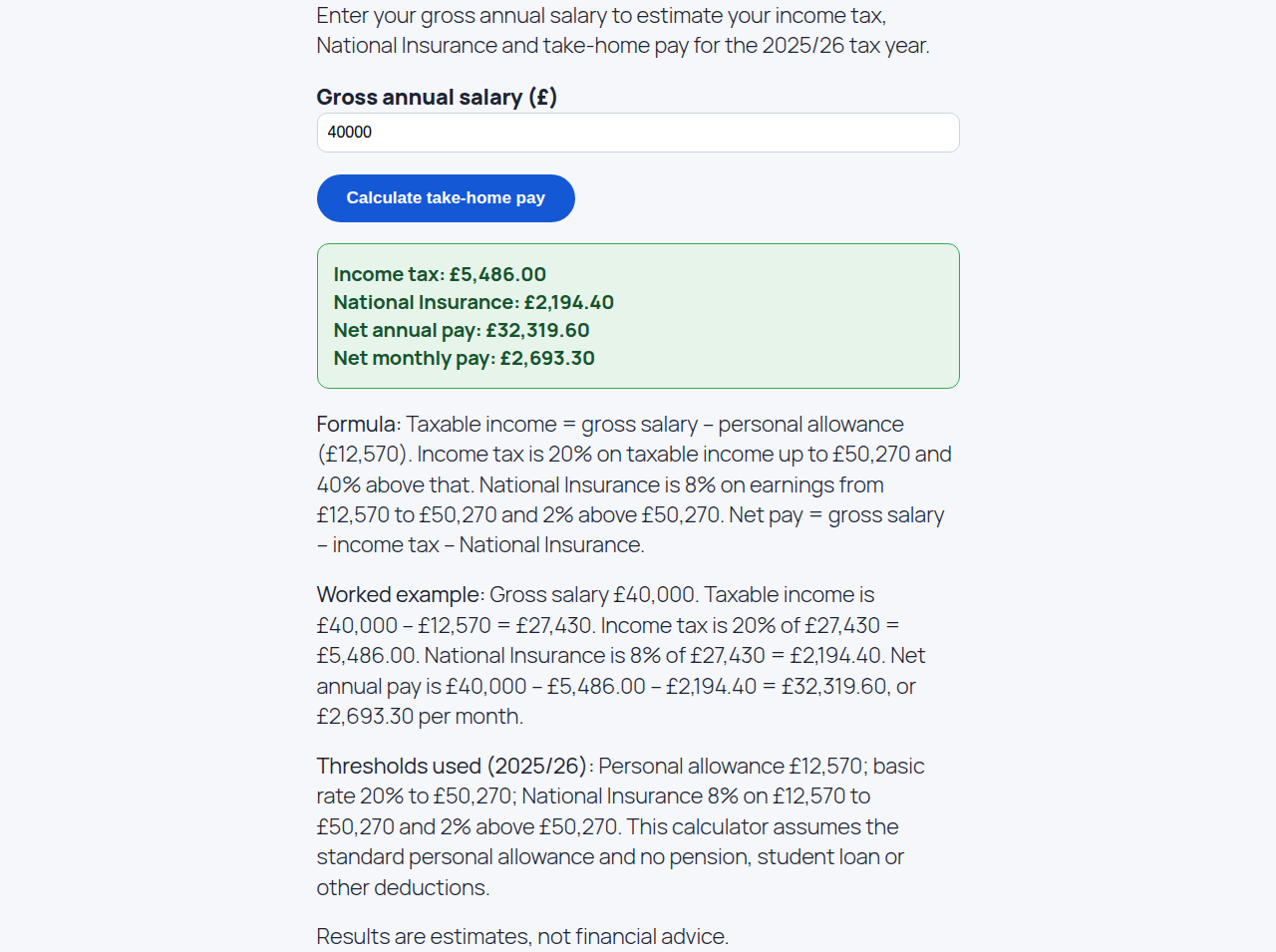
Example: Gross annual salary £40,000 gives income tax of £5,486, National Insurance of £2,194.40, and take-home pay of £32,319.60 per year, or £2,693.30 per month.
Take-Home Pay Calculator UK
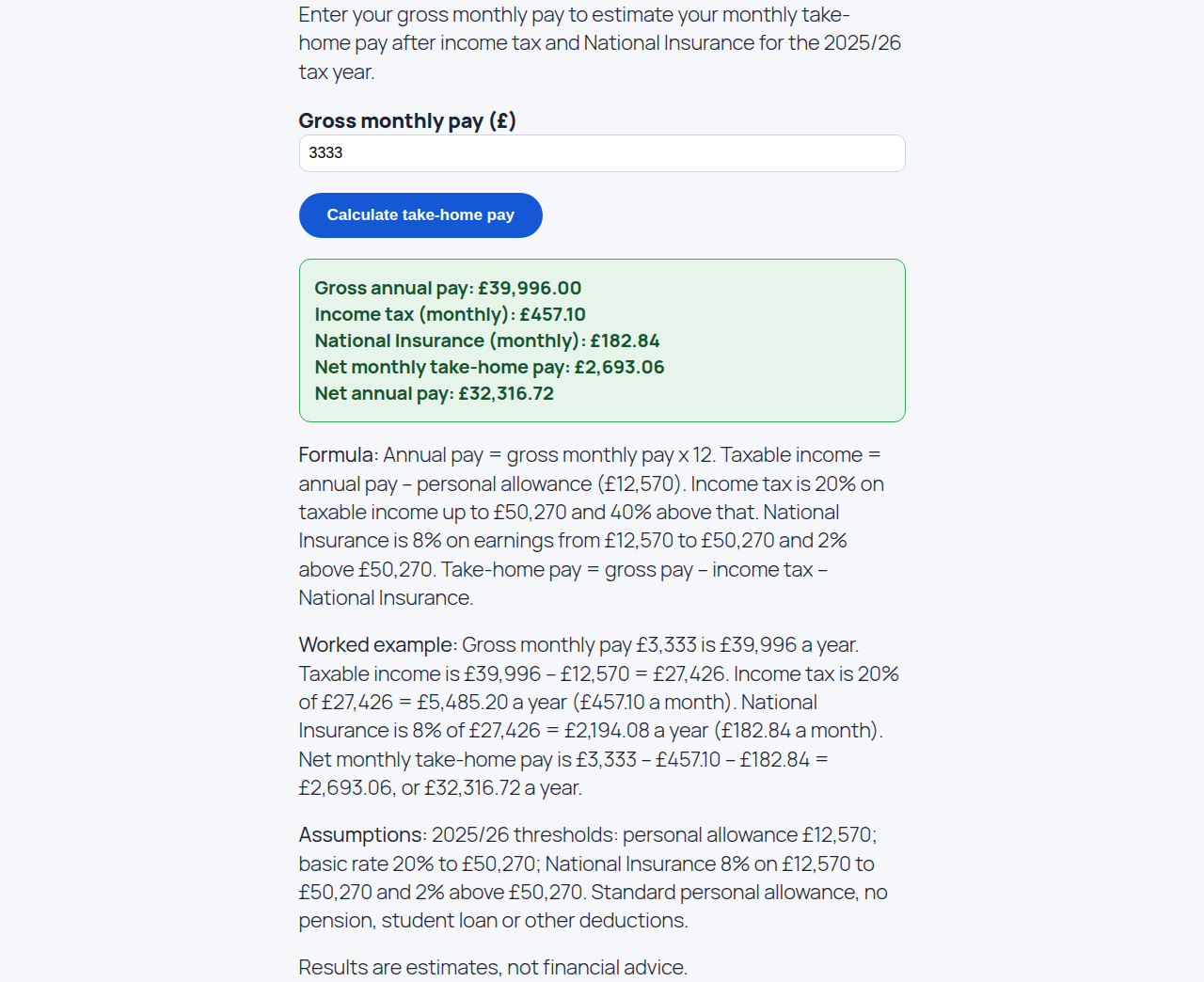
What it does: It works out your UK take-home pay each month from your gross monthly pay.
How to use:
- Enter your pay in “Gross monthly pay (£)”.
- Click “Calculate” and read your take-home pay in the result box.
Example: Gross monthly pay £3,333 gives take-home pay of £2,693.06 per month, or £32,316.72 per year. Income tax is £457.10 and National Insurance is £182.84 per month.
Sales Tax Calculator
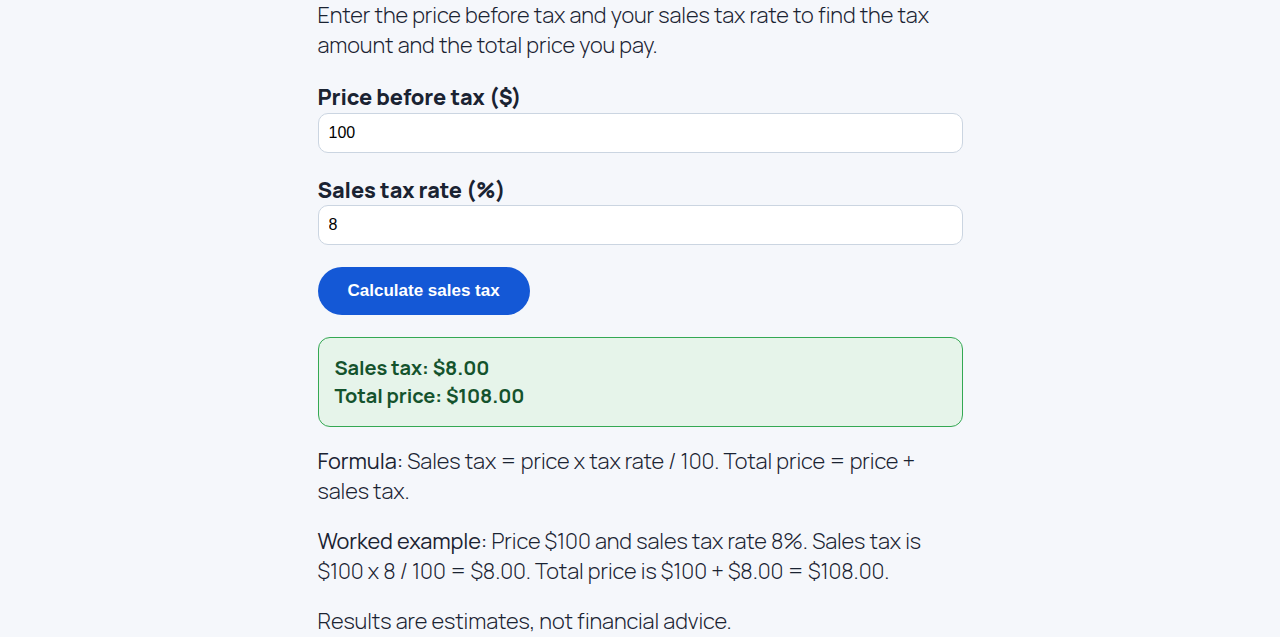
What it does: It works out the sales tax on a purchase and the total price you pay.
How to use:
- Enter the price in “Price before tax ($)”.
- Enter the rate in “Sales tax rate (%)”.
- Click “Calculate” and read the tax and total in the result box.
Example: Price before tax $100 and sales tax rate 8% gives sales tax of $8 and a total price of $108.
Tax Refund Calculator
What it does: It works out whether you get a tax refund or owe tax, from the tax you paid and the tax you owe.
How to use:
- Enter the tax you paid in “Total tax withheld ($)”.
- Enter the tax you owe in “Total tax owed ($)”.
- Click “Calculate” and read your refund in the result box.
Example: Total tax withheld $6,000 and total tax owed $5,200 gives a refund of $800.

Percentage Increase Calculator
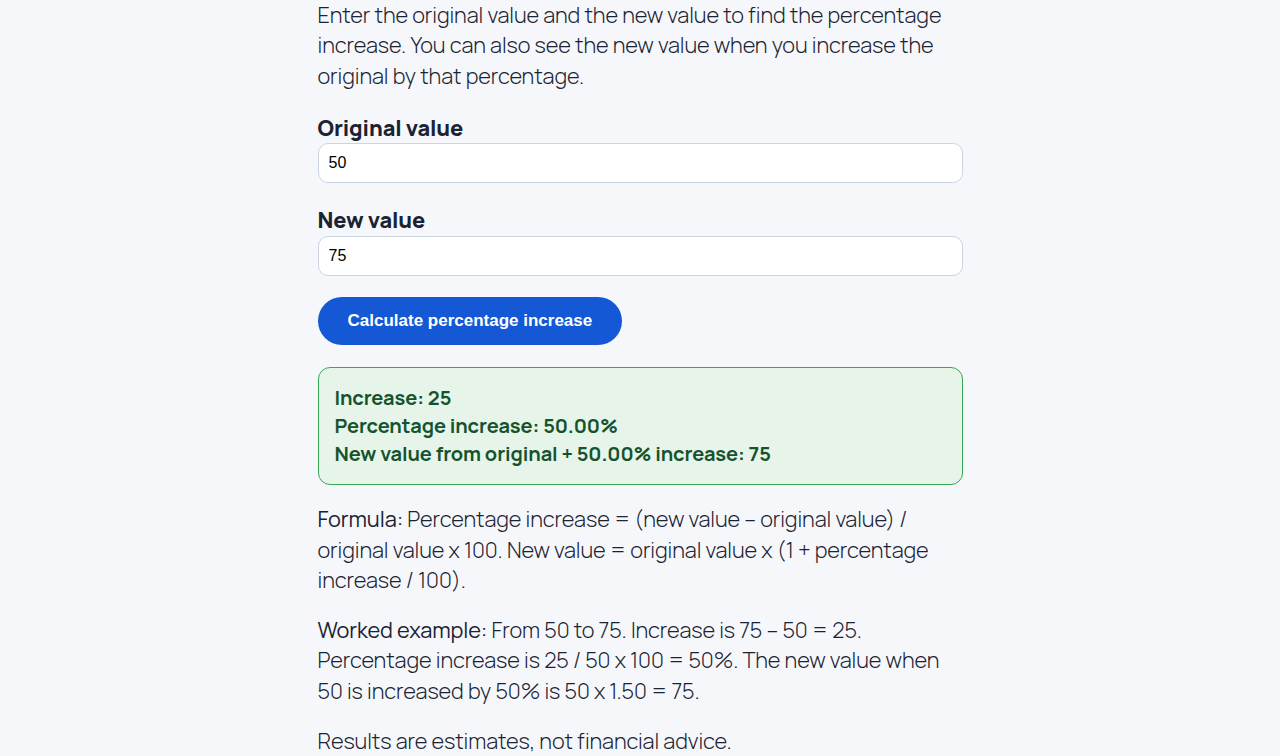
What it does: It works out how much a value has grown, as a percentage.
How to use:
- Enter the starting value in “Original value”.
- Enter the new value in “New value”.
- Click “Calculate” and read the percentage increase in the result box.
Example: Original value 50 and new value 75 gives a percentage increase of 50%. The difference is 25.
Hourly to Salary Calculator
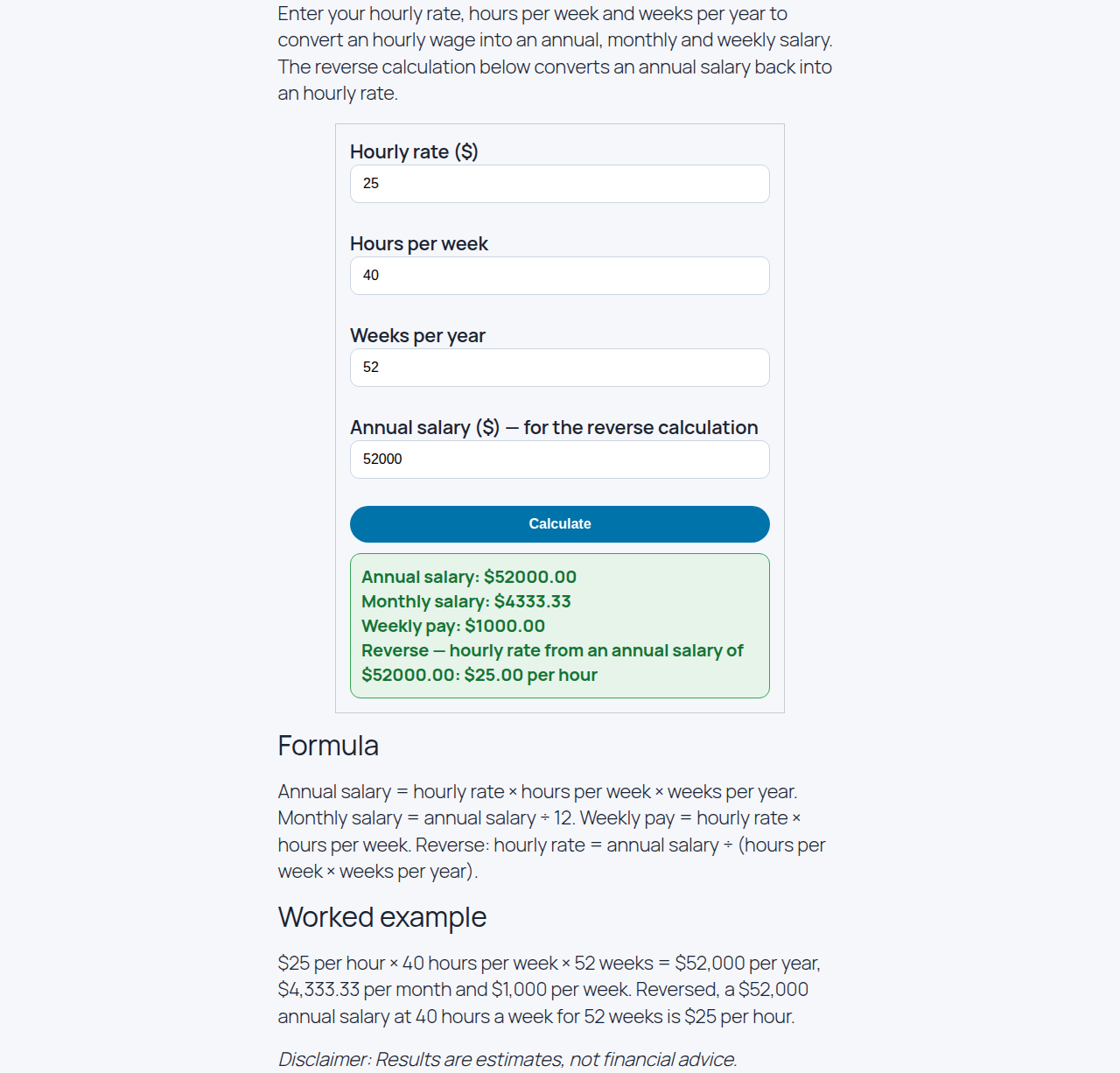
What it does: It converts an hourly wage into a yearly salary, and a yearly salary back into an hourly wage.
How to use:
- Enter your wage in “Hourly wage ($)”.
- Enter your hours in “Hours per week”.
- Enter your weeks in “Weeks per year”.
- To go the other way, enter a salary in “Annual salary ($)” and click “Calculate Reverse”.
- Click “Calculate” and read your salary in the result box.
Example: Hourly wage $25, hours per week 40, weeks per year 52 gives an annual salary of $52,000, a monthly salary of $4,333.33, and a weekly salary of $1,000. In reverse, an annual salary of $52,000 gives an hourly wage of $25.
Related Guides
Want more help? These guides and posts cover more calculators on WorkPayCalc.
- How to Use India Finance & Tax Calculators — India finance and tax calculators, including SIP, FD, PPF, EPF, NPS, income tax, HRA, TDS, and GST.
- How to Use Savings, Zakat & Everyday Money Calculators — Savings, compound interest, Zakat, net worth, debt payoff, and everyday money calculators.
- How to Use Core Calculators & Pro Tools — The free core calculators and the Pro tools on WorkPayCalc.
- Tip Calculator: How Much Should You Tip in the USA? — How much to tip in the USA, with 15%, 18%, and 20% examples and how to split the bill.
- TDEE Calculator: Find Your Daily Calorie Needs — What TDEE and BMR mean, activity levels, and a worked example.
- Retirement Calculator: How Much Do You Need to Retire? — How much you need to retire and how monthly savings grow over time.
- FIRE Calculator: How to Retire Early (and Coast FIRE) — Find your FIRE number with the 4% rule: $40,000 of yearly spending means $1,000,000.
- Paycheck Calculator: How Much of Your Paycheck Do You Take Home? — Find out how much of your paycheck you actually take home after taxes and deductions.
Results are estimates, not financial advice.